Sacrament Talk Tracker Template
Keep a practical list of speakers, dates, and topics without searching through old bulletins.
Start free · How your data is handled
Free forever. Works alongside LCR. Not for finances, worthiness discussions, or interview content.
Free template downloads
No email required.
Prefer Google Docs? Download the editable DOCX, upload it to Google Drive, then choose Open with → Google Docs. Use File → Save as Google Docs to make your own editable version. These are real downloads, not Google “make a copy” links.
Review the audience and contents before printing or sharing. Do not include finances, worthiness discussions, or interview content.
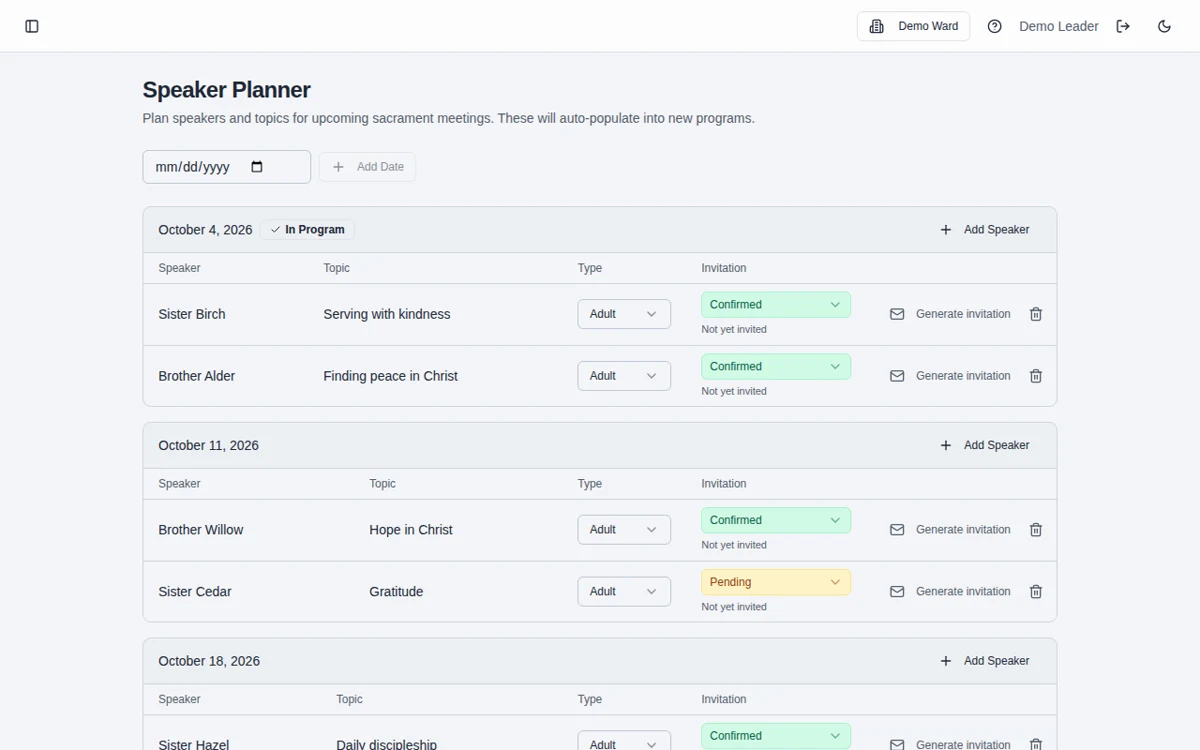
Sample template. Adapt it to your local needs.
How to use the template
Choose the working format
Download the printable chart, editable document, or CSV spreadsheet.
Add dates, names, and topics
Enter the speaking details you need for planning, distinguishing upcoming assignments from completed talks.
Review while planning
Consult past participation, confirm future invitations personally, and update the tracker after each Sunday.
Track participation, not a transcript
Names, dates, and general topics are enough for a useful planning history. Avoid collecting unnecessary personal information or private pastoral notes.
Connect future plans to programs
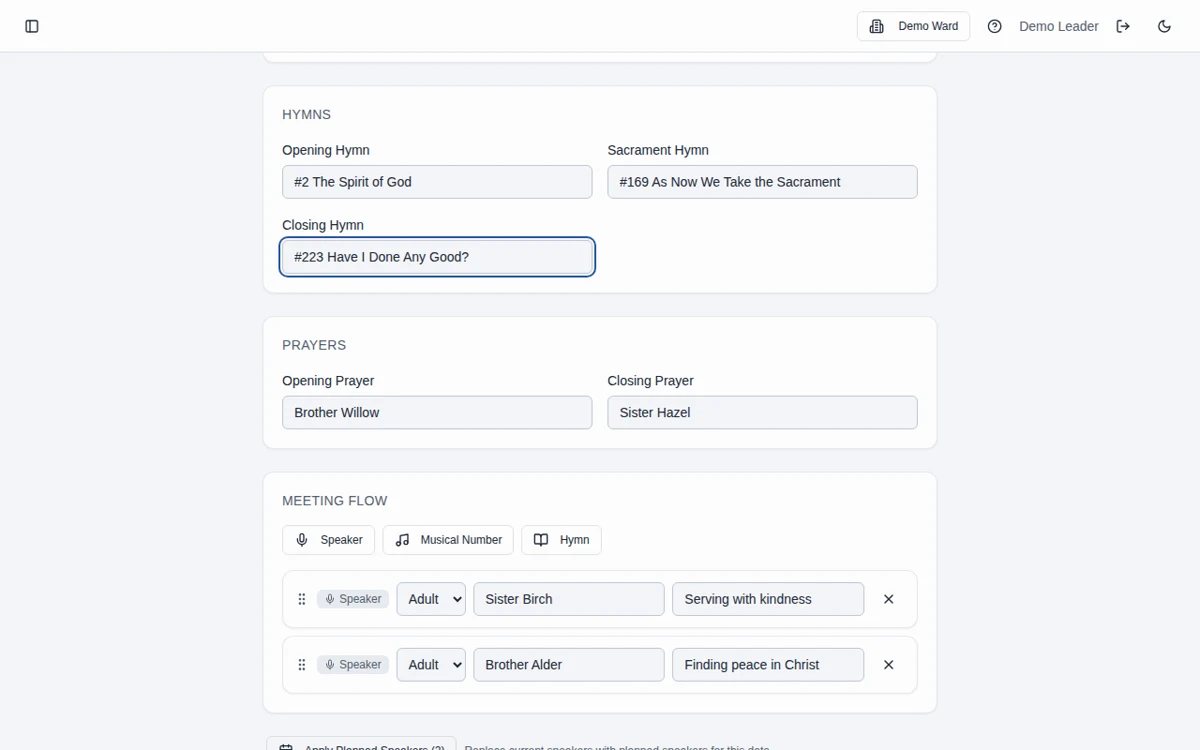
The app’s Speaker Planner supports upcoming Sunday planning and can populate a newly created program for the matching date.
Frequently asked questions
Can I use the tracker in Google Sheets?
Yes. Import the CSV into Google Sheets or another spreadsheet app and save your own editable copy.
Can I track upcoming and past talks together?
Yes. Clearly distinguish planned assignments from completed talks in your working copy so the history stays useful.
Does the template send speaker invitations?
No. It is a planning document. Arrange and confirm invitations personally through your usual appropriate channel.
Does it build a sacrament meeting program?
No. The file is standalone. Use the app’s Speaker Planner and program builder if you want connected program preparation.
Can I edit this in Google Docs?
Yes. Download the editable DOCX, upload it to Google Drive, and open it with Google Docs. Save it as a Google Docs document to create your own editable version. No Google copy link or email sign-up is required.
Is Bishopric Board really free?
Yes. Bishopric Board is free forever. Optional donations are available inside the app; nothing is expected.
Make more room for people.
Start free · How your data is handled
Free forever. Works alongside LCR. Not for finances, worthiness discussions, or interview content.