How Your Data Is Handled
Keep planning information limited, invite leaders thoughtfully, and review the audience whenever information leaves your workspace.
Start free · How your data is handled
Free forever. Works alongside LCR. Not for finances, worthiness discussions, or interview content.
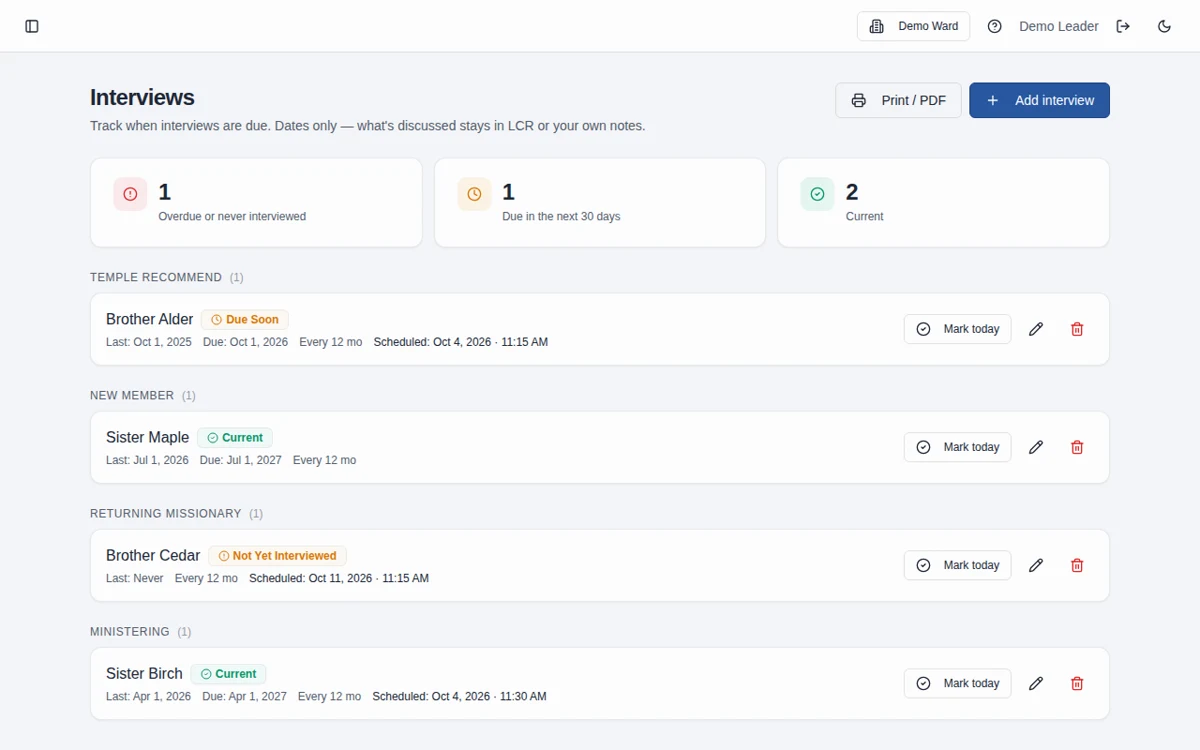
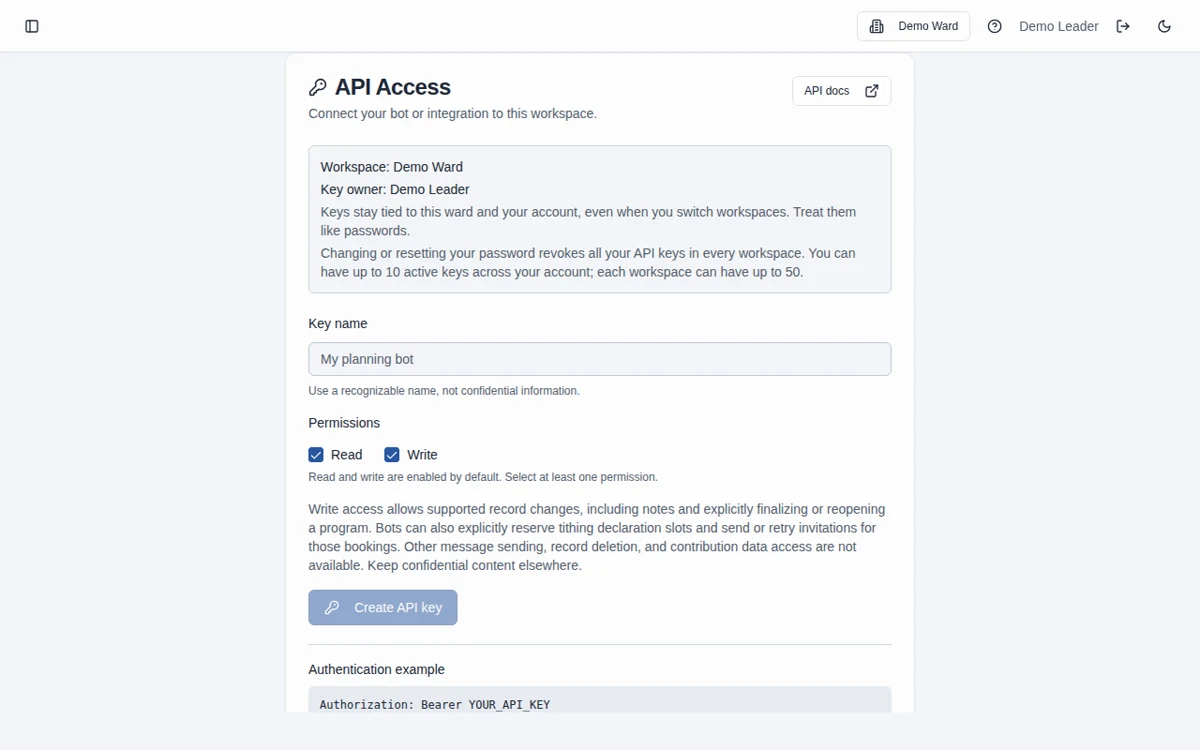
Screenshots use fictional Demo Ward or Demo Stake information only.
How it works
Enter only necessary information
Use the names, contact details, dates, and practical planning details required for coordination. Leave sensitive narratives and contribution information out.
Review access and sharing
Keep workspace membership current. Treat public booking links, private management links, PDFs, and assistant connections as separate sharing decisions.
Ask about removal when needed
Contact https://www.linkedin.com/in/joncheney/ for a data or workspace-removal request. Do not send member details or credentials in the initial message.
What the workspace stores
Planning records can include names, limited contact details, candidates and calling stages, program details, meeting agendas, practical notes, action-item owners and dates, activity plans, interview scheduling metadata, and tithing appointment bookings. Account records also support sign-in, roles, invitations, and workspace membership.
What this tool is not designed to hold
Do not enter financial contributions, worthiness discussions, or interview narratives. Interview tracking is for names, categories, cadence, and dates, not the conversation. Other features contain arbitrary text or notes fields, so the software cannot promise that sensitive content can never be stored. Keep it out of every field, imported document, and assistant prompt.
Who can see workspace information
App planning records are scoped to the active ward or stake and available according to authorized workspace access and roles. Invite only appropriate leaders and review membership as responsibilities change. Agenda audience tags and calendar-sharing switches affect where information appears; they are not a substitute for workspace permission review. Do not assume platform administration or operational access is technically impossible.
Public and private links have different audiences
A tithing booking link is intentionally usable without a workspace login and displays available appointment times. Private booking-management links let their holder manage the associated appointment. Other token-based confirmation links are also intended for their recipient. Keep private links out of public documents and posts.
LCR remains the official record
Bishopric Board is for preparation and follow-through, not membership, financial, ordinance, or official calling records. There is no automatic LCR update. Authorized leaders should complete official recordkeeping in the appropriate Church systems.
Review PDFs and downloaded files
Once exported, a PDF or downloaded document is outside workspace permissions. Check its contents, audience, and distribution channel before printing, emailing, or posting it. A conductor’s copy, council agenda, and public bulletin may need different information.
API access is personal and workspace-bound
A personal key is tied to its issuing user and workspace with read and/or write scopes. There are no external DELETE routes or delete scope, but write access can still change planning content and lifecycle states. Revocation, loss of membership, and password changes or resets stop future access; already admitted requests may finish. Store credentials securely and review your external assistant’s own data practices. Full contract: /api/docs
API limits and audit retention
The API allows 60 requests per key, 120 per account, and 600 per workspace per calendar minute, plus network and global protections. Request audit contains endpoint templates, status, and record identity, not request bodies or raw keys. It is retained for up to 30 days and capped at the newest 10,000 requests per workspace; bounded cleanup can take longer for large backlogs. This retention does not delete planning records or the separate change feed. See /api/docs for quotas and details.
Requesting data or workspace removal
For a deletion or workspace-removal request, contact the developer through https://www.linkedin.com/in/joncheney/ Identify the workspace and your role without sending member data, passwords, or API keys. The request must be reviewed with an appropriately authorized person. No instant self-service workspace-deletion tool, deletion deadline, or support response time is promised. Removing a member’s workspace access is different from deleting the workspace’s planning records.
Independent and free
Bishopric Board is an independent tool, not an official Church product. It is free forever, with optional donations inside the app and nothing expected. Use it under your leaders’ direction and applicable guidance.
Ask about your data or request workspace removal
Frequently asked questions
Can the app guarantee sensitive content is never stored?
No. It is not designed for contribution information, worthiness discussions, or interview narratives, but some features have free-text fields. Leaders must avoid entering that material in any field or connected assistant.
Does a stake workspace reveal all ward planning records?
No. Ward and stake records have separate workspace scopes. Appropriate membership is required; a stake workspace is not blanket access to ward boards.
Are exported PDFs protected by workspace access?
No. An exported file has its own recipients and storage location. Review its contents and audience before sharing it.
How do I request deletion or removal of our workspace?
Contact https://www.linkedin.com/in/joncheney/ with your workspace identity and role, not member details or credentials. The request will need authorization review. There is no advertised instant self-service workspace deletion or promised turnaround time.
Does the 30-day API audit window delete our planning data?
No. The audit retention policy concerns API request metadata. It does not delete planning records or the separate change feed, and large cleanup backlogs may take longer to drain.
Does it replace LCR?
No. Leader and Clerk Resources is the Church’s official record. Bishopric Board helps with preparation and follow-through; it does not approve decisions or automatically update LCR.
Is Bishopric Board really free?
Yes. Bishopric Board is free forever. Optional donations are available inside the app; nothing is expected.
Make more room for people.
Start free · How your data is handled
Free forever. Works alongside LCR. Not for finances, worthiness discussions, or interview content.