Free Sacrament Meeting Program Template
Prepare a clear congregation-facing program without starting from a blank page.
Start free · How your data is handled
Free forever. Works alongside LCR. Not for finances, worthiness discussions, or interview content.
Free template downloads
No email required.
Prefer Google Docs? Download the editable DOCX, upload it to Google Drive, then choose Open with → Google Docs. Use File → Save as Google Docs to make your own editable version. These are real downloads, not Google “make a copy” links.
Review the audience and contents before printing or sharing. Do not include finances, worthiness discussions, or interview content.
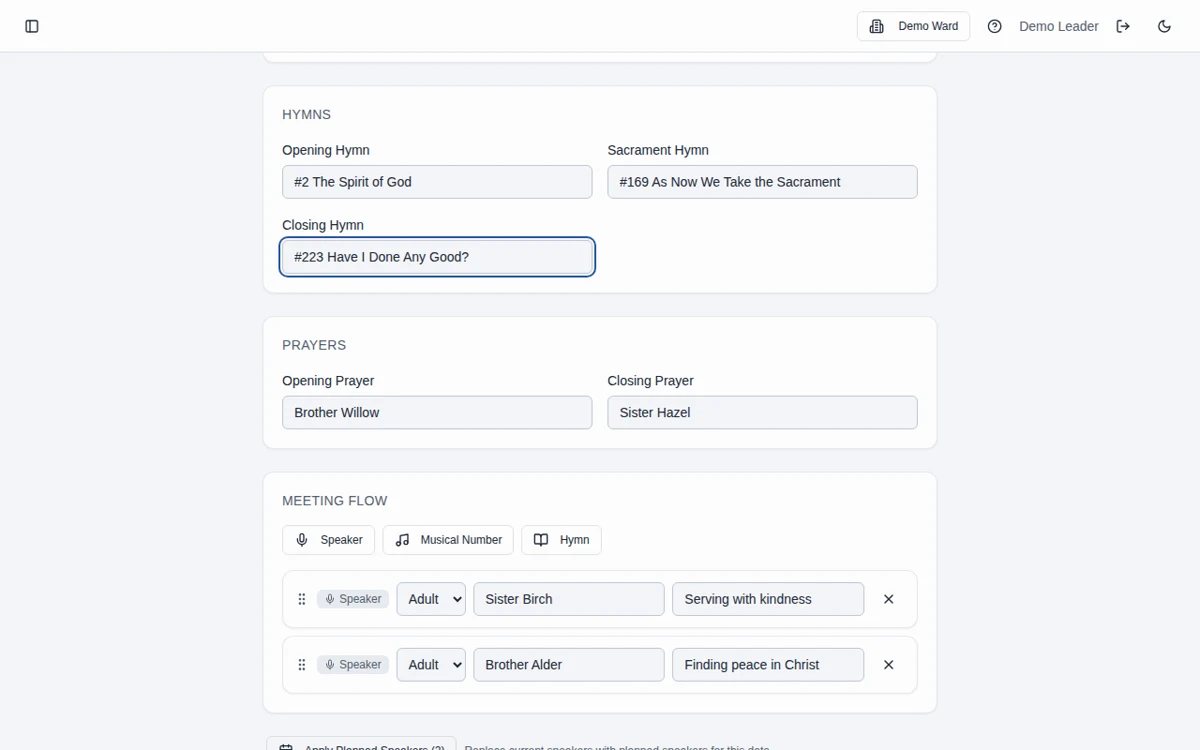
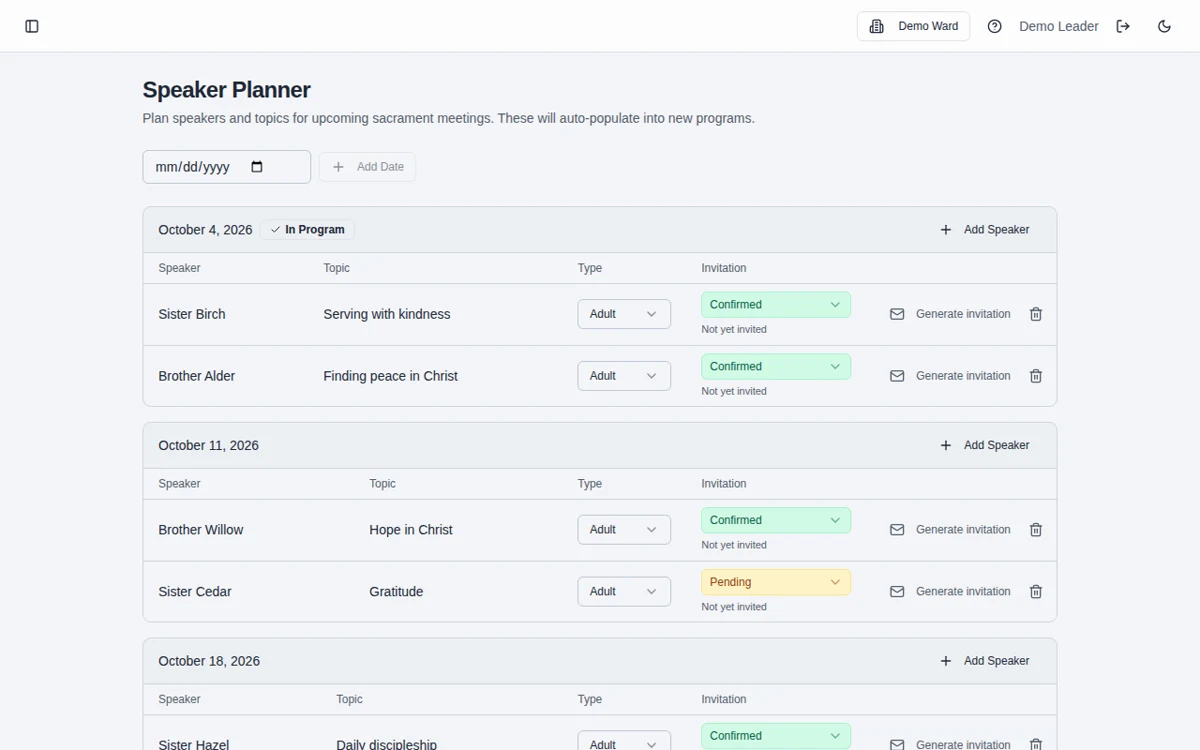
Sample template. Adapt it to your local needs.
How to use the template
Choose your format
Download the PDF for a printable starting point or the DOCX to edit in Word or Google Docs.
Add the meeting details
Fill in the date, hymns, prayers, speakers, and announcements appropriate for the congregation.
Review before sharing
Verify names, hymn selections, and the audience, then print or share the finished program.
A congregation-facing document
Use this template for the public program, not private leadership business or interview scheduling. The screenshots show the related app workflow; the downloadable template is a separate editable document.
Prefer a connected program builder?
The sacrament meeting program builder keeps preparation together and provides bulletin and conductor’s-script views from the meeting details you enter.
Frequently asked questions
What is included in this program template?
It provides a starting structure for the meeting date, leaders, hymns, prayers, speakers, and announcements. Adapt the wording and layout for your ward.
Is this the same as a conductor’s agenda?
No. This is a congregation-facing program. The separate conducting-agenda template is for the person conducting.
Can I print it without using the app?
Yes. The PDF and DOCX can be downloaded and used independently. No account or email address is required.
Will it update when a speaker changes?
No. A downloaded document is a standalone file; you must edit it. Use the shared program builder if you want preparation kept in the workspace.
Can I edit this in Google Docs?
Yes. Download the editable DOCX, upload it to Google Drive, and open it with Google Docs. Save it as a Google Docs document to create your own editable version. No Google copy link or email sign-up is required.
Is Bishopric Board really free?
Yes. Bishopric Board is free forever. Optional donations are available inside the app; nothing is expected.
Make more room for people.
Start free · How your data is handled
Free forever. Works alongside LCR. Not for finances, worthiness discussions, or interview content.