Bishopric Meeting Agenda Template
Prepare your next bishopric meeting with a reusable outline instead of another blank document.
Start free · How your data is handled
Free forever. Works alongside LCR. Not for finances, worthiness discussions, or interview content.
Free template downloads
No email required.
Prefer Google Docs? Download the editable DOCX, upload it to Google Drive, then choose Open with → Google Docs. Use File → Save as Google Docs to make your own editable version. These are real downloads, not Google “make a copy” links.
Review the audience and contents before printing or sharing. Do not include finances, worthiness discussions, or interview content.
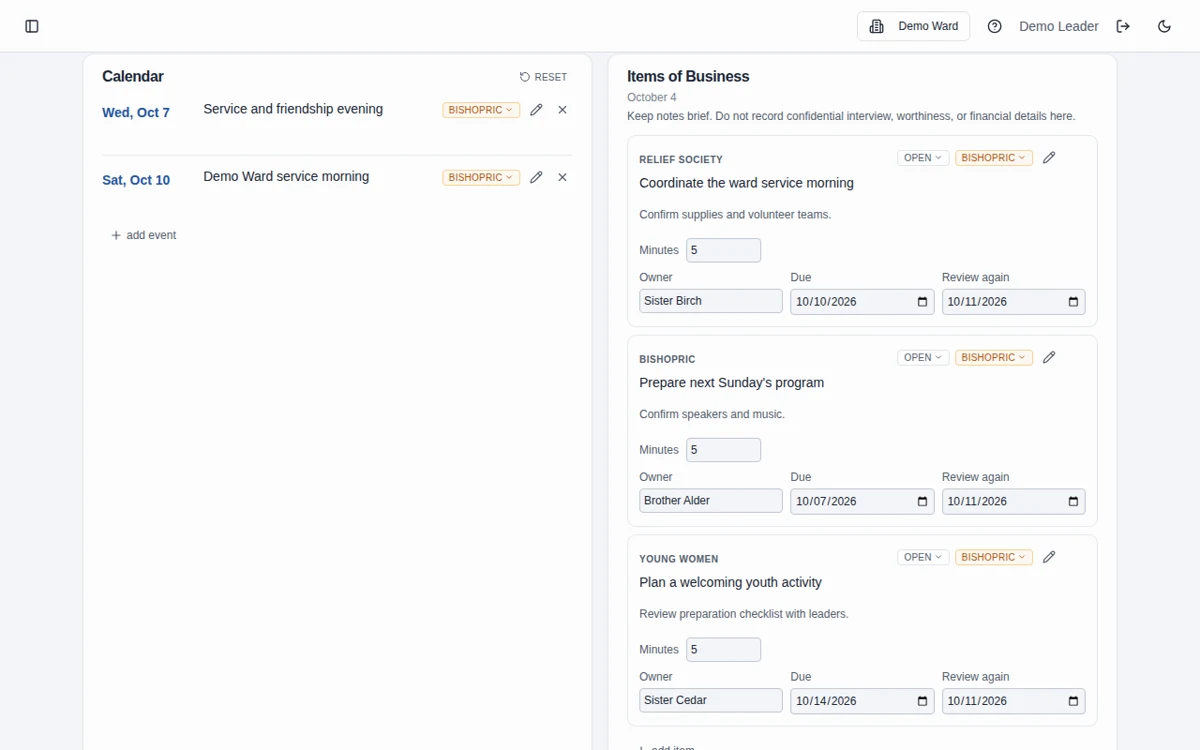
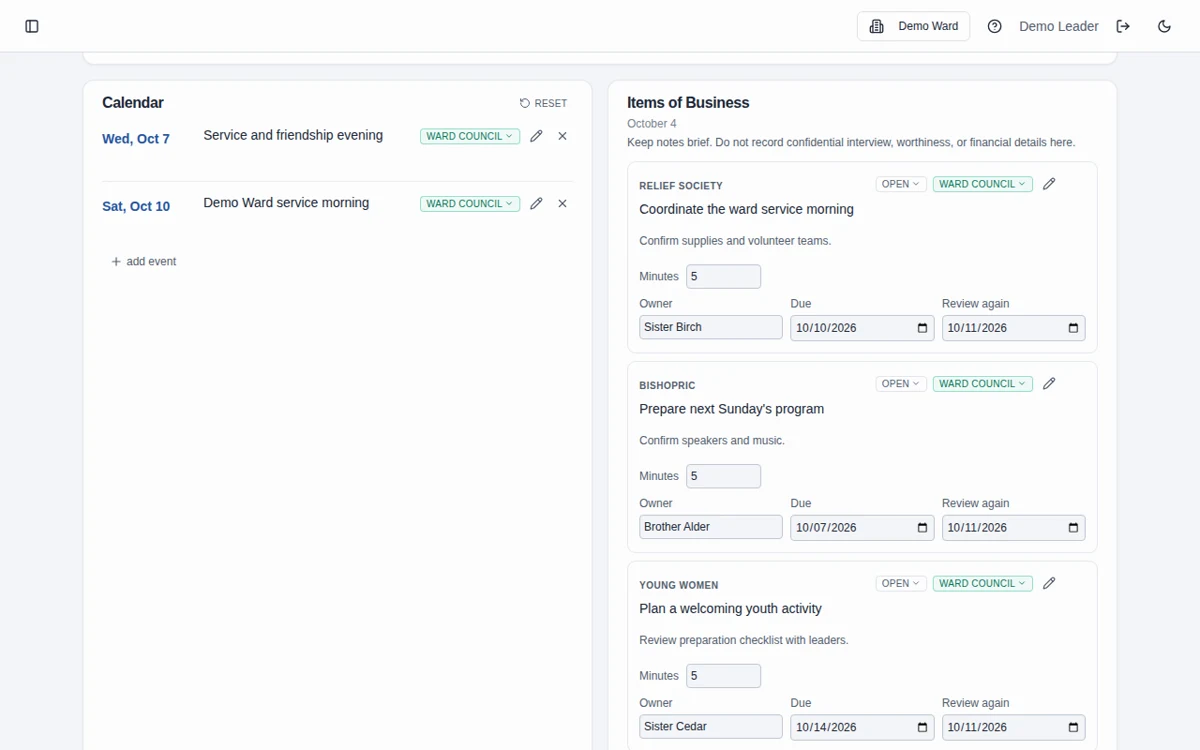
Sample template. Adapt it to your local needs.
How to use the template
Set the meeting details
Download the template and add the meeting date and assignments.
Gather practical business
Add calendar items, work in progress, and appointment coordination without sensitive interview details.
Keep follow-up visible
Record owners and next steps, review the intended recipients, and retain an appropriate working copy for the next meeting.
Keep private conversations out
Use the agenda for preparation and practical coordination. Do not put financial contributions, worthiness discussions, or interview narratives into this document.
Prefer an agenda that carries work forward?
The bishopric meeting feature provides a shared inline editor, a printable view, and open-business roll-forward when a meeting is completed.
Frequently asked questions
Can we reuse the agenda each week?
Yes. Keep a clean template and make a new copy for each meeting, updating the date and practical business.
Should we put interview notes in the agenda?
No. Limit appointment information to scheduling needs. Worthiness discussions and interview narratives do not belong in the agenda.
Does this file automatically save to Bishopric Board?
No. The download is independent of the app. Create an app meeting if you want shared editing and ongoing follow-up.
Can I print a copy for each participant?
Yes. Review the contents and intended audience first, and handle the completed agendas appropriately.
Can I edit this in Google Docs?
Yes. Download the editable DOCX, upload it to Google Drive, and open it with Google Docs. Save it as a Google Docs document to create your own editable version. No Google copy link or email sign-up is required.
Does it replace LCR?
No. Leader and Clerk Resources is the Church’s official record. Bishopric Board helps with preparation and follow-through; it does not approve decisions or automatically update LCR.
Make more room for people.
Start free · How your data is handled
Free forever. Works alongside LCR. Not for finances, worthiness discussions, or interview content.