Ward Council Agenda Template
Give your council a clear agenda and a place to record practical follow-up.
Start free · How your data is handled
Free forever. Works alongside LCR. Not for finances, worthiness discussions, or interview content.
Free template downloads
No email required.
Prefer Google Docs? Download the editable DOCX, upload it to Google Drive, then choose Open with → Google Docs. Use File → Save as Google Docs to make your own editable version. These are real downloads, not Google “make a copy” links.
Review the audience and contents before printing or sharing. Do not include finances, worthiness discussions, or interview content.
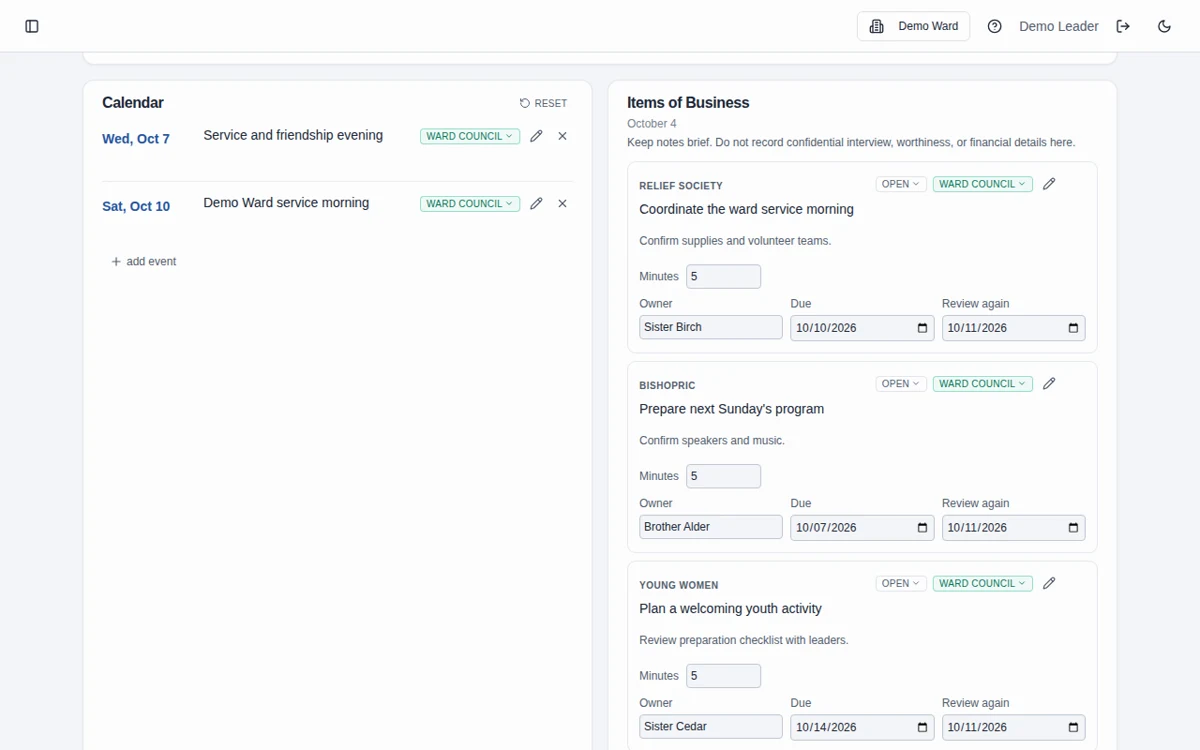
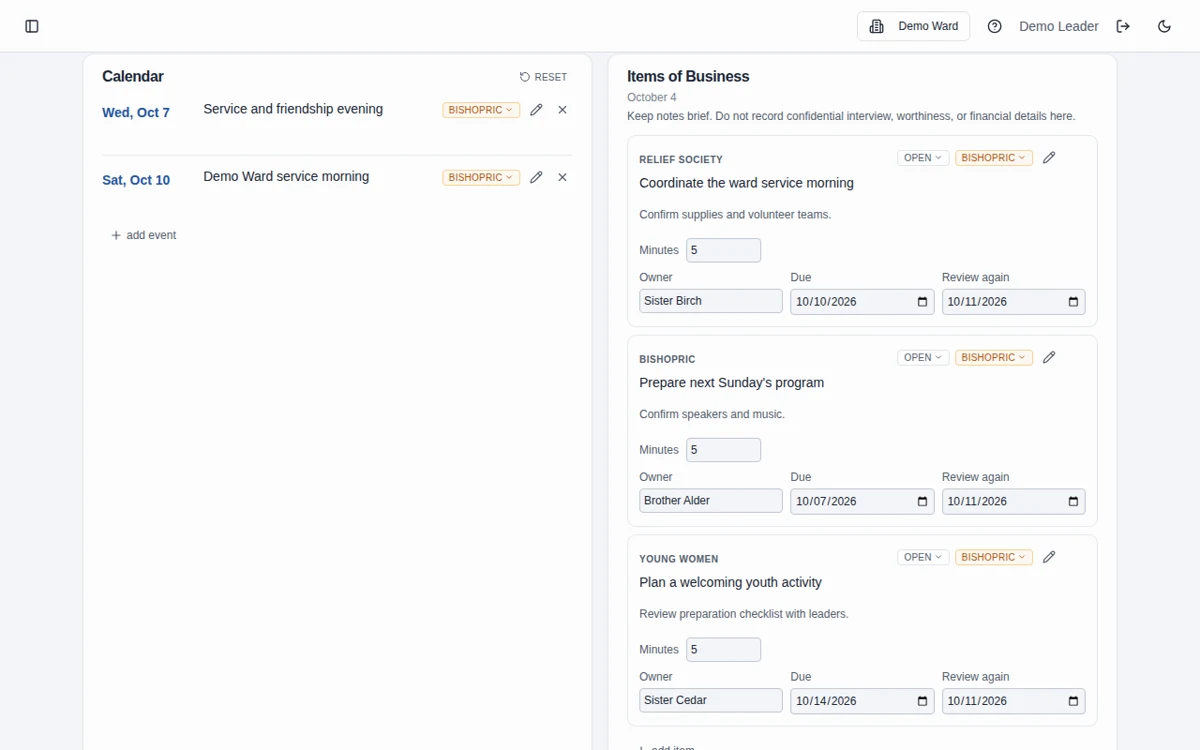
Sample template. Adapt it to your local needs.
How to use the template
Download and adapt
Choose the PDF or editable DOCX and add your meeting date and assignments.
Prepare the discussion
Add organization business and shared calendar items, leaving sensitive personal details out.
Record practical next steps
Give follow-up work an owner and a date, and bring the open list to the next meeting.
Keep the agenda useful and limited
An agenda should tell participants what needs attention and who will follow through. Do not use it as a transcript of sensitive discussions.
Carry the work beyond the document
The ward council feature connects agendas with action-item owners, due dates, next-review dates, and an open-business view by organization.
Frequently asked questions
Can I customize the organization headings?
Yes. The DOCX is editable so you can adapt the outline and organization headings to your council’s preparation.
Where should we record assignments?
Use the follow-up area to record the practical task, its owner, and the date you intend to revisit it. Avoid sensitive narratives.
Does the download carry items into the next agenda?
No. A downloaded document must be maintained manually. The app provides ongoing open-business and follow-up tools.
Who should receive the completed agenda?
Share it only with the intended participants after reviewing its contents. A downloaded file is not protected by workspace permissions.
Can I edit this in Google Docs?
Yes. Download the editable DOCX, upload it to Google Drive, and open it with Google Docs. Save it as a Google Docs document to create your own editable version. No Google copy link or email sign-up is required.
What information should we enter?
Keep information limited to the names, contact details, dates, and planning details needed for the work. Do not enter financial contributions, worthiness discussions, or interview narratives, including in free-text notes. See the Data page for access and sharing guidance.
Make more room for people.
Start free · How your data is handled
Free forever. Works alongside LCR. Not for finances, worthiness discussions, or interview content.