Interview Tracking for Bishoprics
Keep interview scheduling and cadence visible without creating a record of the personal discussion.
Start free · How your data is handled
Free forever. Works alongside LCR. Not for finances, worthiness discussions, or interview content.
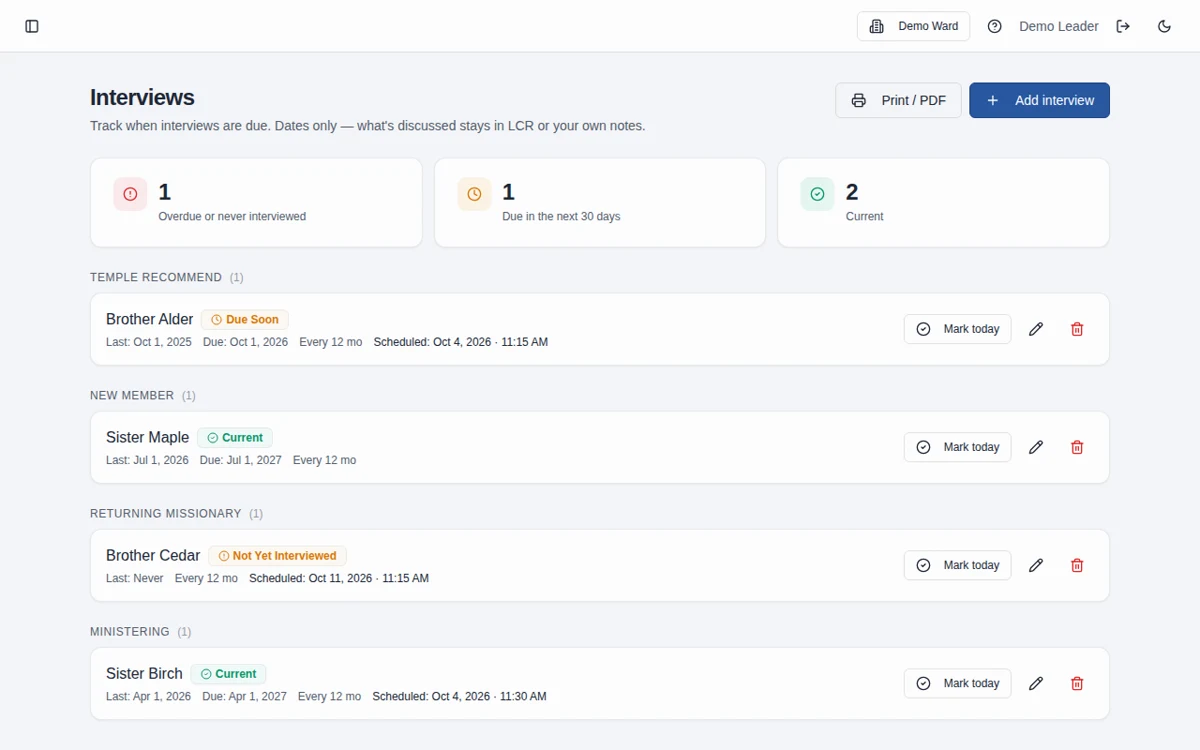
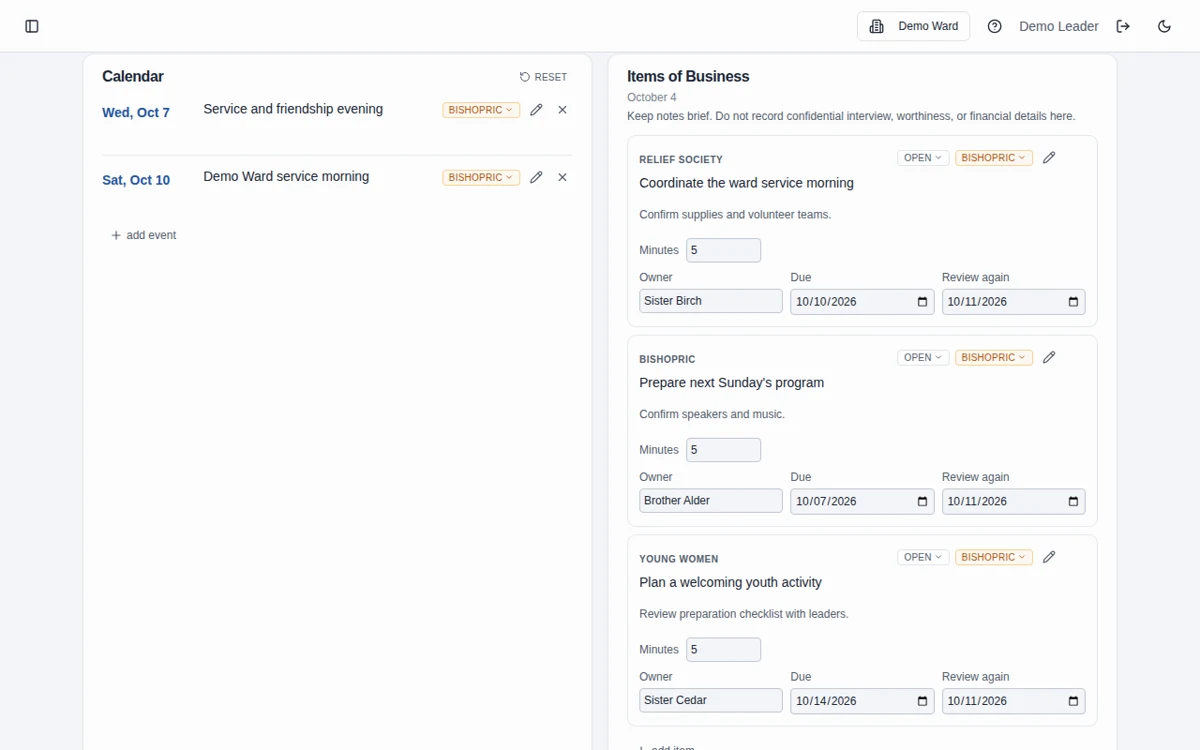
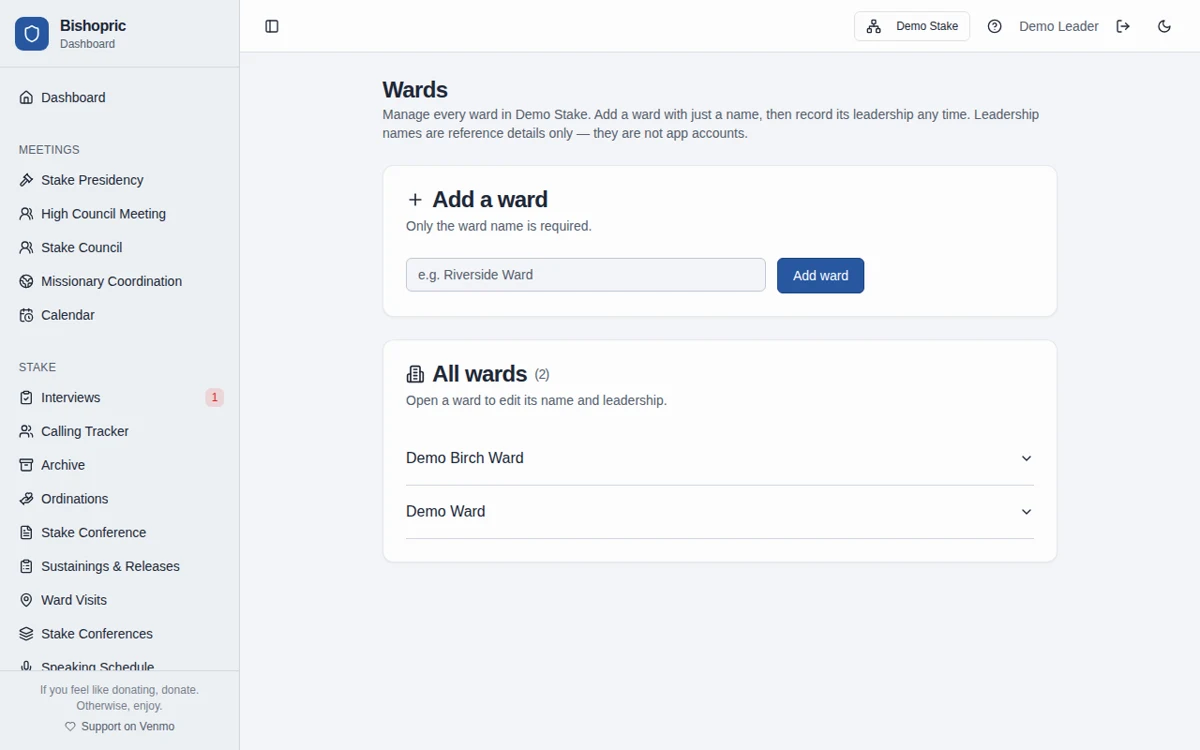
Screenshots use fictional Demo Ward or Demo Stake information only.
How it works
Add the scheduling details
Enter the person’s name, appropriate interview category, last-interviewed date, and cadence.
Review what is due
Use the current, due-soon, and overdue indicators to see who may need an appointment.
Arrange and update dates
Record a scheduled appointment when needed and update the last-interviewed date after the appointment.
Dates and categories, not narratives
The tracker is intended for appointment metadata. Do not enter worthiness details or interview narratives anywhere in the workspace, even in unrelated notes fields.
Ward and stake categories
Ward categories include temple recommends, youth, new members, returning missionaries, and ministering. Stake workspaces use stake-appropriate categories and keep their interview rows separate from ward rows.
Frequently asked questions
Does the interview tracker store the conversation?
The tracker is designed for names, categories, cadence, and dates, not interview narratives. Do not put conversations or worthiness information into any free-text field elsewhere in the app.
How does it decide an interview is due?
The due status is calculated from the last-interviewed date and the cadence in months. It is a scheduling aid, not a policy determination.
Can we record an appointment date and time?
Yes. An optional scheduled date and time can be shown on the row and printable view. The time is displayed as entered, so agree on the local time with the person.
Does it sync with the bishopric agenda’s interview list?
No. The cadence tracker and meeting interview list are separate tools and are not synchronized in either direction.
Can a stake presidency use the same tracker?
Yes. Stake workspaces offer stake interview categories with separate workspace-scoped records.
What information should we enter?
Keep information limited to the names, contact details, dates, and planning details needed for the work. Do not enter financial contributions, worthiness discussions, or interview narratives, including in free-text notes. See the Data page for access and sharing guidance.
Does it replace LCR?
No. Leader and Clerk Resources is the Church’s official record. Bishopric Board helps with preparation and follow-through; it does not approve decisions or automatically update LCR.
Make more room for people.
Start free · How your data is handled
Free forever. Works alongside LCR. Not for finances, worthiness discussions, or interview content.