Tithing Declaration Scheduling
Give households a clear way to choose an appointment time while keeping contribution information out of the schedule.
Start free · How your data is handled
Free forever. Works alongside LCR. Not for finances, worthiness discussions, or interview content.
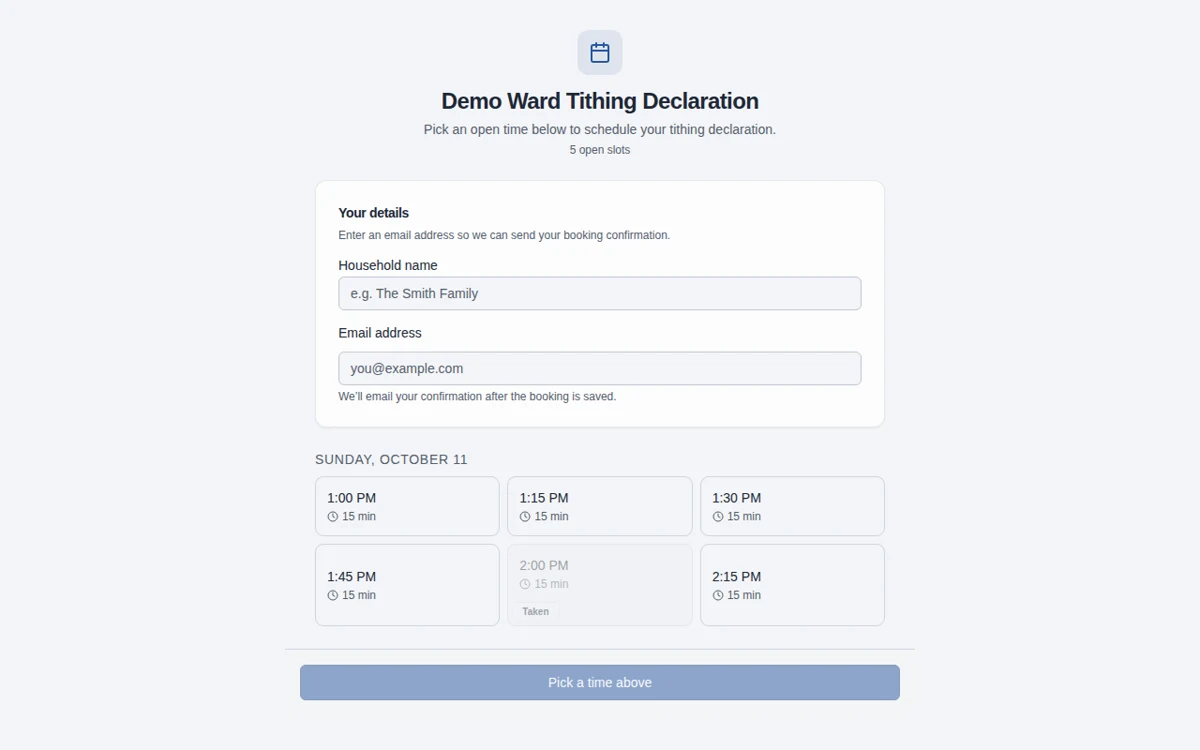
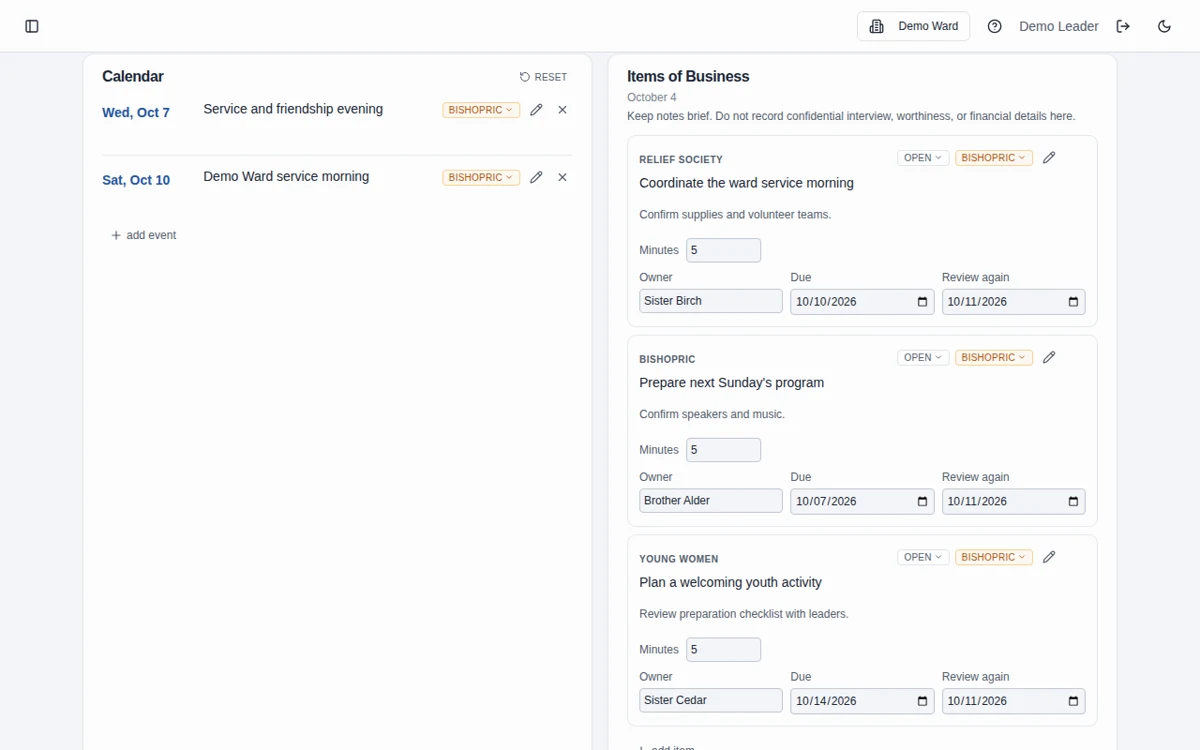
Screenshots use fictional Demo Ward or Demo Stake information only.
How it works
Build the appointment times
Create a schedule and add the timed slots your bishopric can offer.
Share the booking link
Share the public booking page or printable QR poster. A household reserves an open slot with a name and email or phone contact.
Help households manage changes
Members use their private management link to move or cancel a booking. Review notification status and contact phone-only bookings manually.
Scheduling only
This tool coordinates household appointments. It is not designed to collect contribution amounts, determine declaration status, or replace financial recordkeeping in LCR.
Email and phone are different
Email bookings support confirmation and reminder emails. Phone-only bookings are saved for manual contact; the app does not send SMS. Email delivery can fail, so review the booking’s notification status.
Frequently asked questions
Do members need an account to book?
No. A member can use the public booking page and enter a household name with an email address or phone number.
Can members reschedule their own tithing declaration?
Yes. The private management link lets them move to another open slot or cancel without logging in. Keep that link private; it grants access to the booking.
Does it send text-message reminders?
No. Automated outbound notifications use email. Phone-only bookings need manual contact by the bishopric.
Does it record contributions or declaration status?
No. It is an appointment scheduler, not a contribution ledger or official declaration record. Do not enter that information in names or notes.
What if an email does not arrive?
Check the notification status in the admin schedule. For email bookings, admins can send a confirmation or reminder again. A saved reservation and successful email delivery are separate outcomes.
Is Bishopric Board really free?
Yes. Bishopric Board is free forever. Optional donations are available inside the app; nothing is expected.
What information should we enter?
Keep information limited to the names, contact details, dates, and planning details needed for the work. Do not enter financial contributions, worthiness discussions, or interview narratives, including in free-text notes. See the Data page for access and sharing guidance.
Make more room for people.
Start free · How your data is handled
Free forever. Works alongside LCR. Not for finances, worthiness discussions, or interview content.