Calling Board for Callings and Releases
See where each calling stands without piecing together a spreadsheet, a text thread, and last week’s notes.
Start free · How your data is handled
Free forever. Works alongside LCR. Not for finances, worthiness discussions, or interview content.
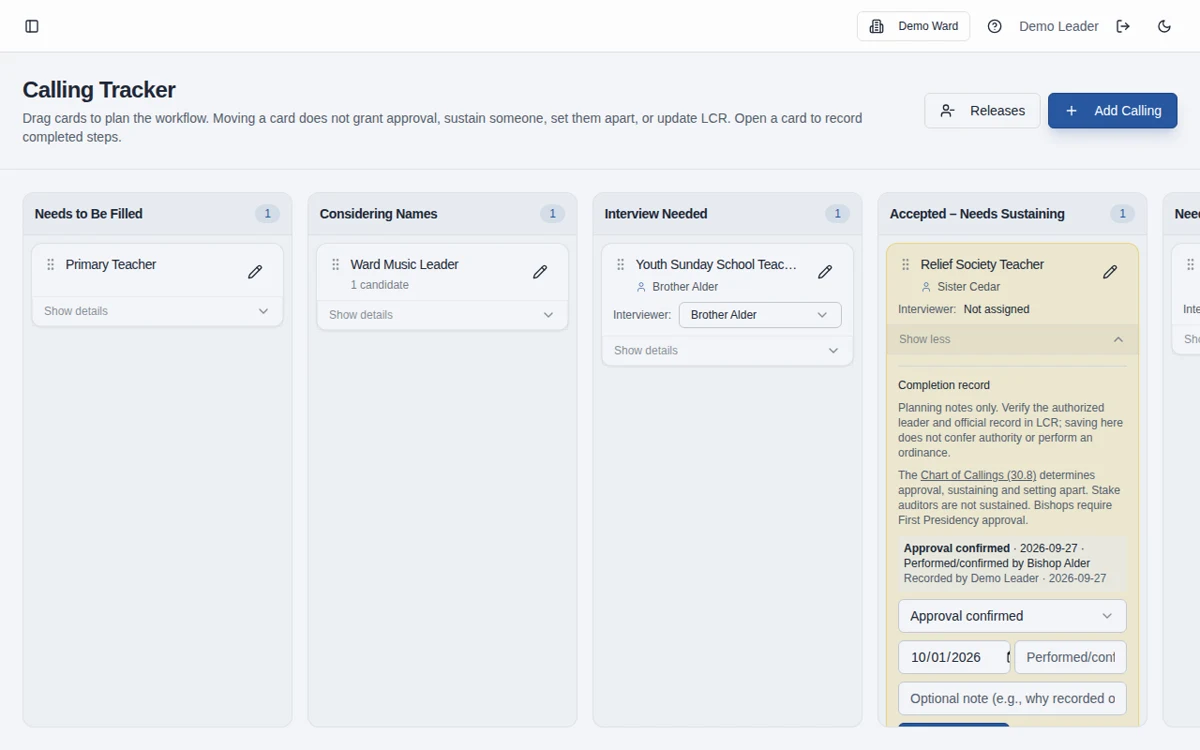
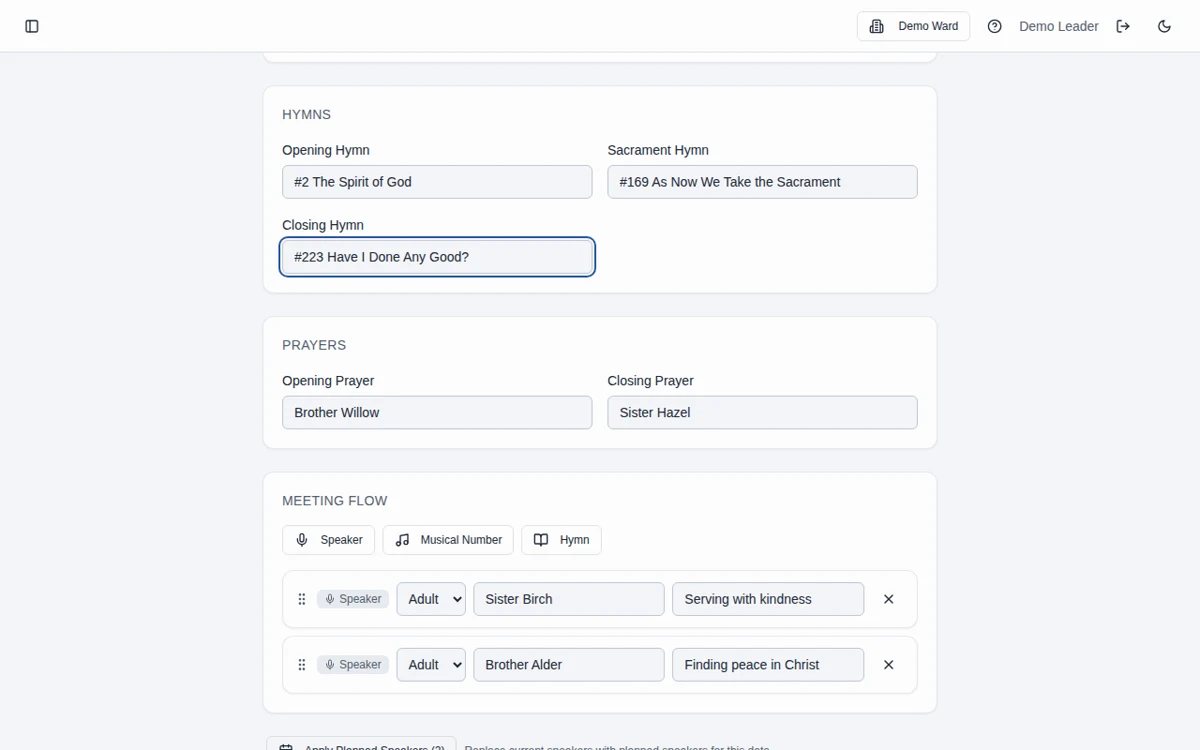
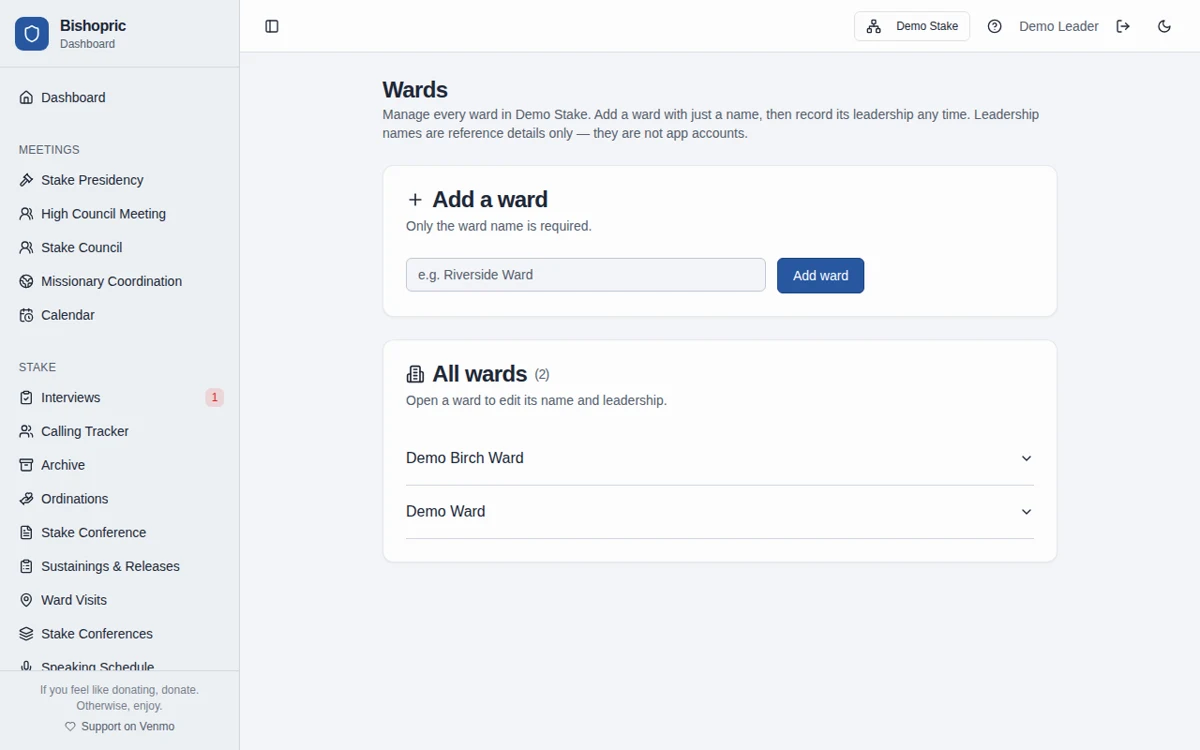
Screenshots use fictional Demo Ward or Demo Stake information only.
How it works
Add the calling in progress
Create a card for the position and add the candidate names needed for authorized planning.
Move through the milestones
Track the work as leaders review, extend, sustain, and arrange setting apart. Record practical dates and next steps.
Finish the official follow-up
Prepare any appropriate program business and record official calling or release changes separately in LCR.
Callings and releases are different work
The calling board tracks replacement and new-calling workflows. Ward workspaces also have a release-only board for changes that do not involve a replacement.
The board does not approve or update LCR
A card’s stage is a planning status, not an ecclesiastical approval or official record. Authorized leaders make decisions and complete the required LCR updates.
Frequently asked questions
Does the calling board update LCR?
No. It is a working planning board. Official calling and release changes must be recorded in LCR separately.
Can we track multiple candidates for a calling?
Yes. Calling cards support candidate tracking while authorized leaders consider the calling.
Can we track a release without a replacement?
Yes. Ward workspaces have a separate release-only board with pending-announcement and LCR-follow-up stages.
Does moving a card approve the calling?
No. Moving a card only records planning progress. It does not grant approval or substitute for Church procedures.
Does the calling board work in a stake workspace?
Yes. Stake-owned callings are separate from ward-owned boards and can support stake calling coordination.
Is Bishopric Board really free?
Yes. Bishopric Board is free forever. Optional donations are available inside the app; nothing is expected.
What information should we enter?
Keep information limited to the names, contact details, dates, and planning details needed for the work. Do not enter financial contributions, worthiness discussions, or interview narratives, including in free-text notes. See the Data page for access and sharing guidance.
Make more room for people.
Start free · How your data is handled
Free forever. Works alongside LCR. Not for finances, worthiness discussions, or interview content.